
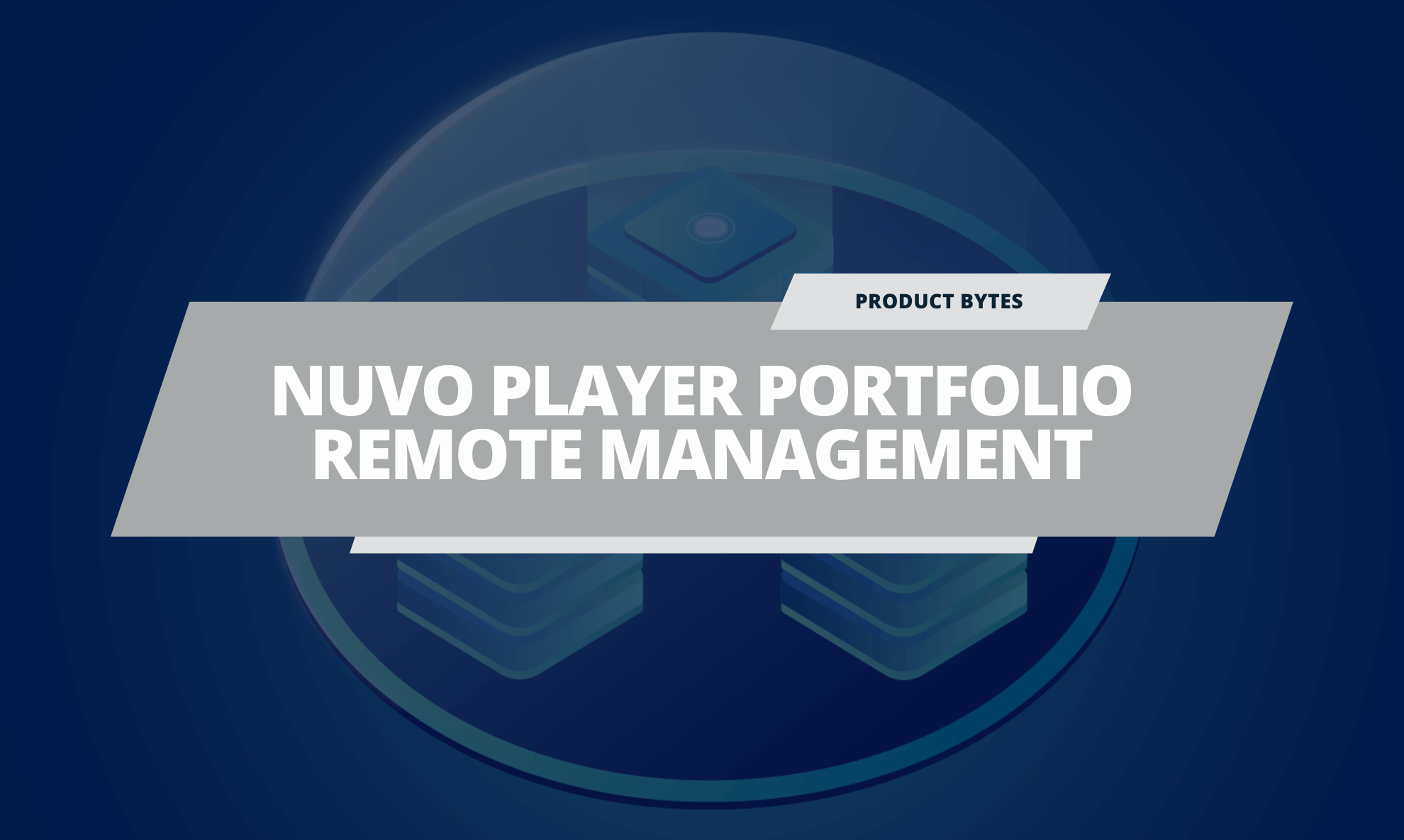


Recently we’ve added Nuvo Player features to the Domotz Pro app. The new features streamline the management and troubleshooting of Nuvo Player Portfolio devices to improve the user experience for both integrators and end users.
The Nuvo Player remote management features include:
- Device Model: The Nuvo Player device model is automatically identified thanks to Domotz Pro’s powerful device discovery engine
- Remote Reboot: Nuvo Player devices can be remotely rebooted via the app in one tap
- Manufacturer Support: Integrators can launch a support session with the device manufacturer for streamlined troubleshooting
- Firmware Version: The firmware version is automatically displayed on the Domotz app. If the firmware is out of date, an upgrade can be performed remotely using the Domotz Pro remote connect feature
Read more about these new features on our Nuvo Remote Management blog piece!
On top of the new Legrand Nuvo Player remote management capabilities, we have also 5 brand new features to Domotz PRO:
- Branded Monthly Reports: Your own company logo and website is now printed on the monthly reports PDF in place of the Domotz logo/website. This is automatically applied to all reports of dealers that are enabled to use Violet.
- Violet App: Activation status and the ability to resend activation emails has been added. You can now resend the activation email, if the customer hasn’t accepted the invitation.
- “PDU Port” and “Switch Port”: Columns have been added to the Device List report.
- Sort Agents: As many of you have now dozens of agents, we have added sorting features available from the subscriptions page to help you check the agent subscription status.
- Remote Connection: You can now upload files up to 10MB (previously restricted to 1MB).